Grouping your properties is an important step towards maximizing your efficiency in Property Meld.
Grouping your properties will ensure:
Workflows trigger correctly
Accurate data (Insights)
Access for specific users
Accurate dashboard filters
Account cleanliness
Org Level
Critical
Group at the Organizational level, such as Exec or Admin
Market
Recommended
Group by Market to capture specific areas, such as Regional, East or West, or by State.
Property Manager / Portfolio
Recommended
Group by Property Manager like John or Sam or by portfolio, such as Multi-Family where a lot of properties within a community or complex need grouped.
Maintenance Coordinator
Recommended
Group by Maintenance Coordinator like Erika’s Properties or Justin’s Properties for the specific properties they are overseeing.
Specifics
Recommended
Group by custom categories like HVAC vs. Boilers or Needs Snow Removal vs. Doesn’t Need Snow Removal
These are typically used for Workflows, or vendor or technician assignments.
Example of Property Groups in action
The 5 organization levels above are shown based on importance, beginning with the Org Level. From there, we recommend only using levels that best suite your needs.
ALL of your properties should go into this one group (ex: your company name).
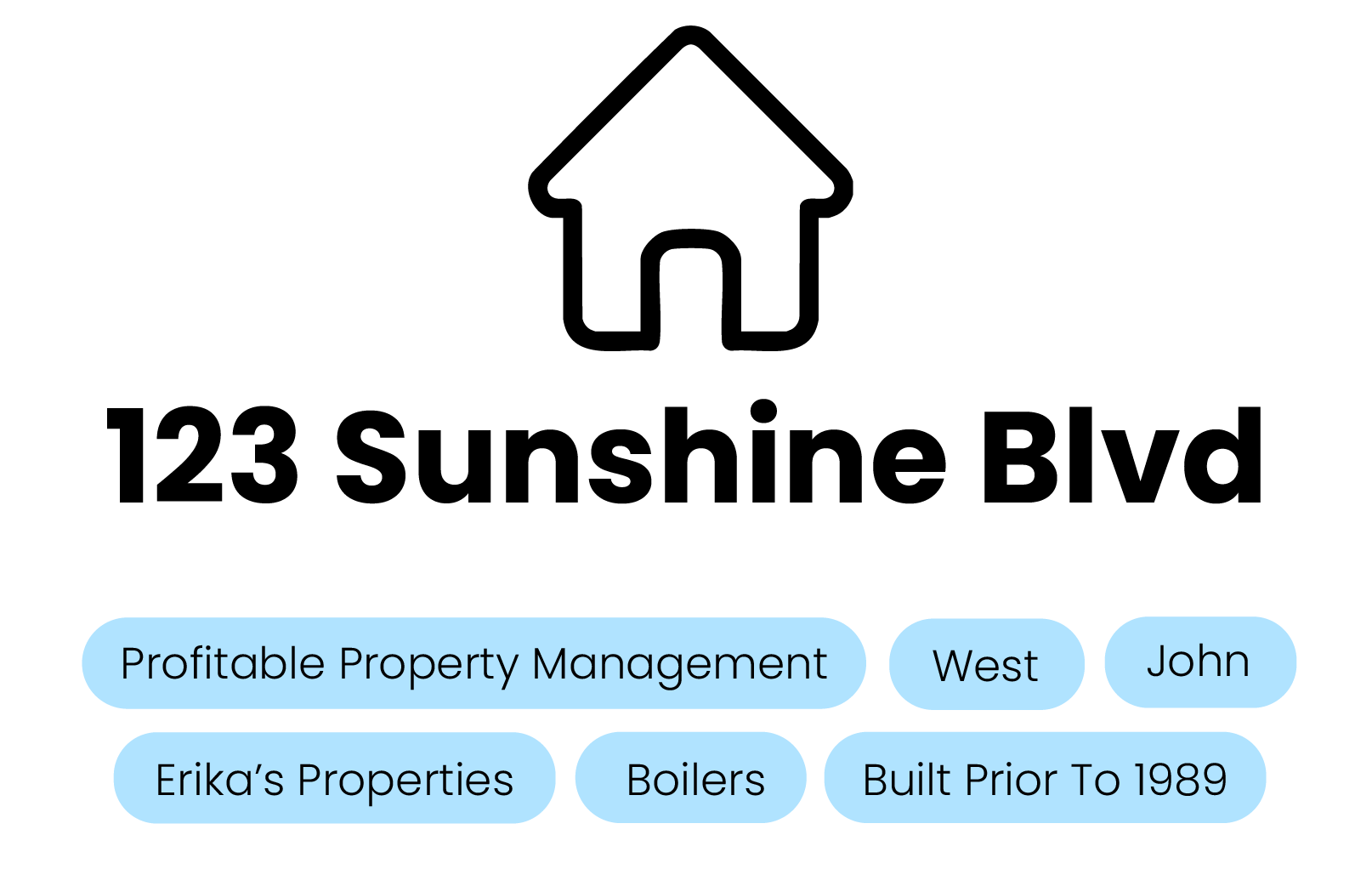
If using, Market, Property Manager, and Maintenance Coordinator should only have one Property Group from each level assigned to your property (ex: West, John, and Erika’s Properties).
Because Property Management and Maintenance Coordinator personnel fluctuate, it’s important to regularly update these Property Group names.
The easiest way is to just rename the previous employee’s Property Group.
Add your properties to as many Specifics-related Property Groups as needed.
With the above organizational Property Groups in place, 123 Sunshine Blvd. will now appear in various groups, when segmented (none of which contradict each other).
Some examples where 123 Sunshine Blvd would appear:
You need to view all properties in “West”
You need to see all of “Erika’s Properties”
You need to know all properties “Built Prior To 1989”